Get started with a Selenium Node.js template

Clone this GitHub repo to start using Browserbase with Selenium in Node.

Get started with a Selenium Python template

Clone this GitHub repo to start using Browserbase with Selenium in Python.
1

Get your API Key

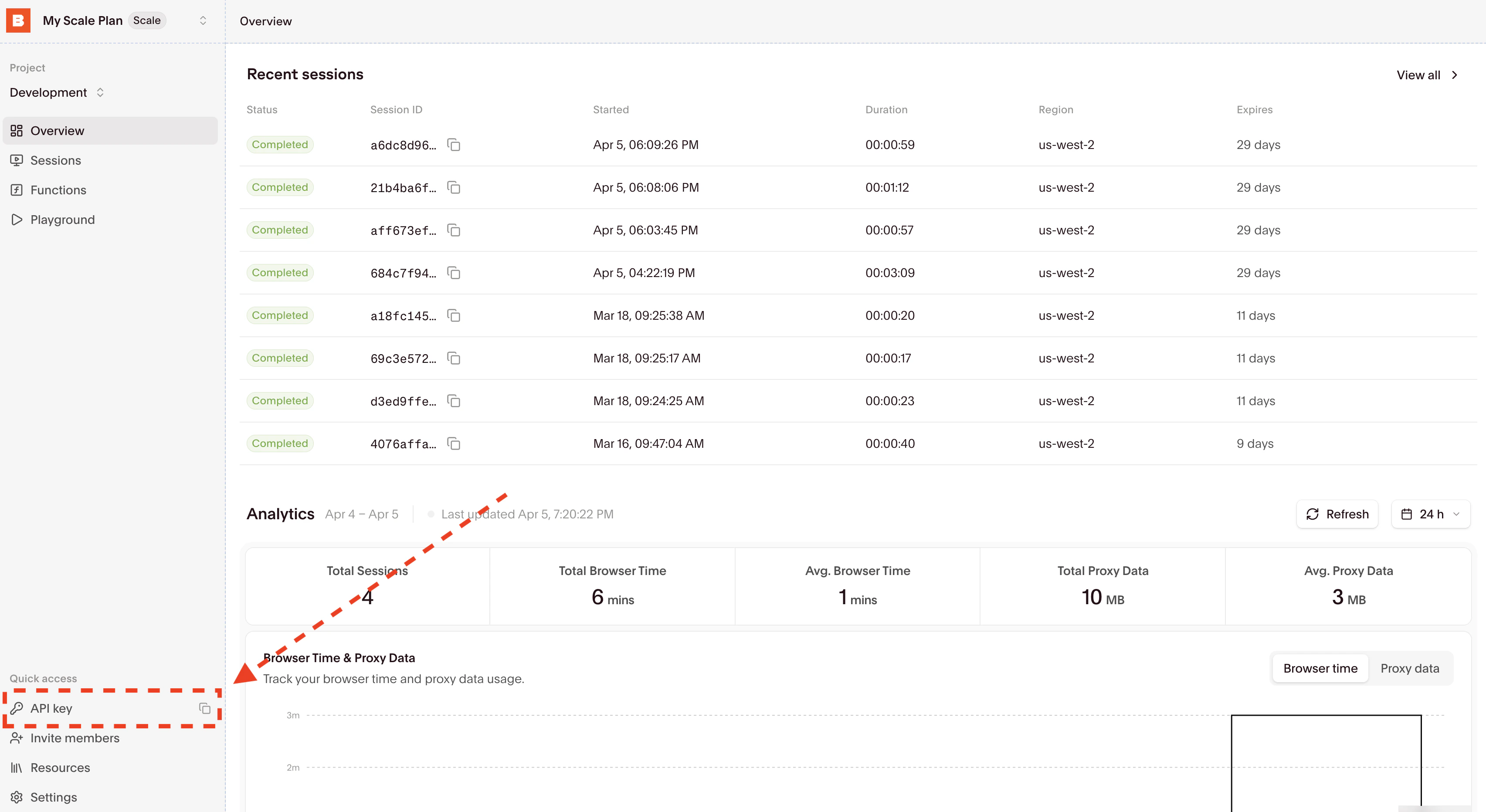
Your API key and Project ID are displayed in the Dashboard Navigation row:
Copy your API Key from the input fields, then update your .env file by adding entries for BROWSERBASE_API_KEY.Alternatively, you can temporarily set the environment variables with a single bash command by prefixing it with BROWSERBASE_API_KEY=<your_api_key> in your terminal.
2

Install Selenium

npm i selenium-webdriver @browserbasehq/sdk
3

Update your code or clone a template

Running your existing code with Browserbase only requires a few line changes:
import http from "http";
import { Builder } from "selenium-webdriver";
import Browserbase from "@browserbasehq/sdk";

const bb = new Browserbase({
  apiKey: process.env.BROWSERBASE_API_KEY,
});

const session = await bb.sessions.create();
console.log(`Session created, id: ${session.id}`);

console.log("Starting remote browser...");

const customHttpAgent = new http.Agent({});
(customHttpAgent as any).addRequest = (req: any, options: any) => {
  req.setHeader("x-bb-signing-key", session.signingKey);
  (http.Agent.prototype as any).addRequest.call(customHttpAgent, req, options);
};

const driver = new Builder()
  .forBrowser("chrome")
  .usingHttpAgent(customHttpAgent)
  .usingServer(session.seleniumRemoteUrl)
  .build();

await driver.get("https://www.browserbase.com");

const debugUrl = await bb.sessions.debug(session.id);
console.log(
  `Session started, live debug accessible here: ${debugUrl.debuggerUrl}.`,
);

console.log("Taking a screenshot!");
await driver.takeScreenshot();

console.log("Shutting down...");
await driver.quit();

console.log(
  `Session complete! View replay at https://browserbase.com/sessions/${session.id}`,
);
Be sure to set your BROWSERBASE_API_KEY in the environment variables.

4

Inspect the completed Session

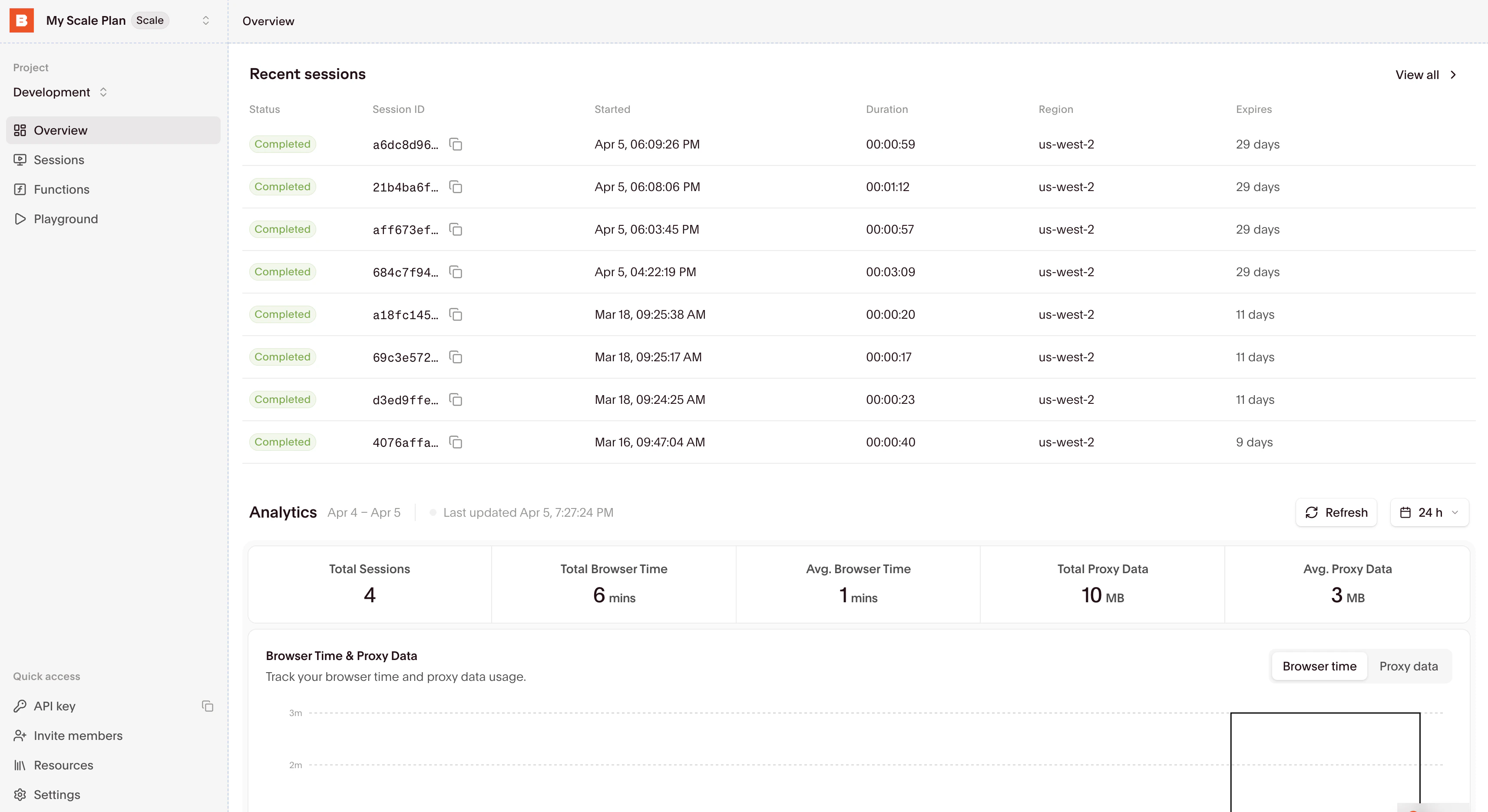
You can find all the recent sessions on the Overview Dashboard, along with essential metrics:
Select your Session to inspect it with the Session Inspector.

Start building

Using Browser Sessions

Learn how to connect to and interact with browser sessions effectively.

Managing Sessions

Understand how to properly end sessions and manage their lifecycle.