

Keep Alive
Keep sessions available after disconnects so you can reconnect without starting over.
Timeout
Extend session duration beyond the default timeout for long-running tasks.
- When a session disconnects
- When the session reaches its timeout
Two ways to extend sessions
When to use each
Timeouts extend how long a session can run before it automatically terminates. Use this when you have long-running tasks that exceed the default timeout. Keep Alive lets you disconnect and reconnect to the same session. Use this when your workflow involves multiple connections, when you need resilience against network issues, or when you want to reuse the same session for multiple runs.Using both together
If you need a session that both survives disconnects and runs for an extended period, configure both options:Session keep alive is only available on paid plans.
Why keep sessions alive?
Custom timeouts and session keep alive support a broad spectrum of use cases. Key benefits include:- Avoid interrupting long-running tasks and workflows.
- Connect, disconnect, and reconnect to the same session.
- Keep working with a session without worrying about it timing out.
- Reusing existing sessions is more performant than creating new ones.
Looking for cloud-deployed execution? If you don’t need persistent sessions or reconnection capabilities, consider Functions for on-demand browser agents. Functions automatically manage session lifecycle and are ideal for webhooks, scheduled tasks, and API endpoints.
Keep alive sessions
ThekeepAlive feature allows you to keep sessions alive across disconnects, permitting you to continue using it as long as needed.
Create a keep alive session
SettingkeepAlive to true will keep the session available for later use. You can reconnect to the keep alive session using the same connection URL as the original session.
Here’s an example of how to keep a session alive:
- Node.js
- Python
SDK
Stop a keep alive session
To stop the session, use the Browserbase API or SDK:- Node.js
- Python
Stop your keep alive sessions explicitly when no longer
needed. They’ll time out eventually, but you may be charged for the unneeded
browser minutes.
Session timeouts
After the script exceeds the default timeout, you’ll see aTimeoutError: Timeout _____ms exceeded
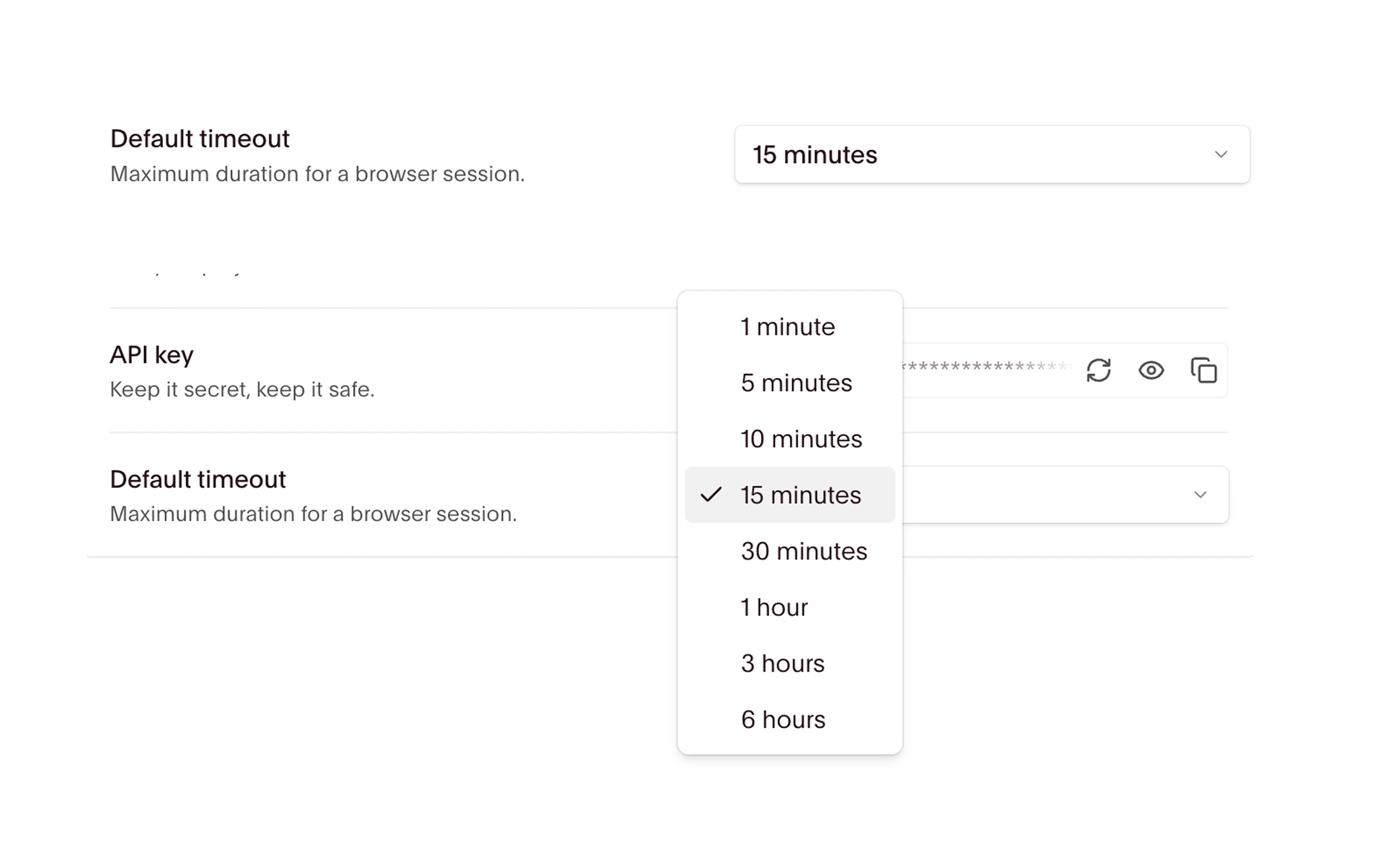
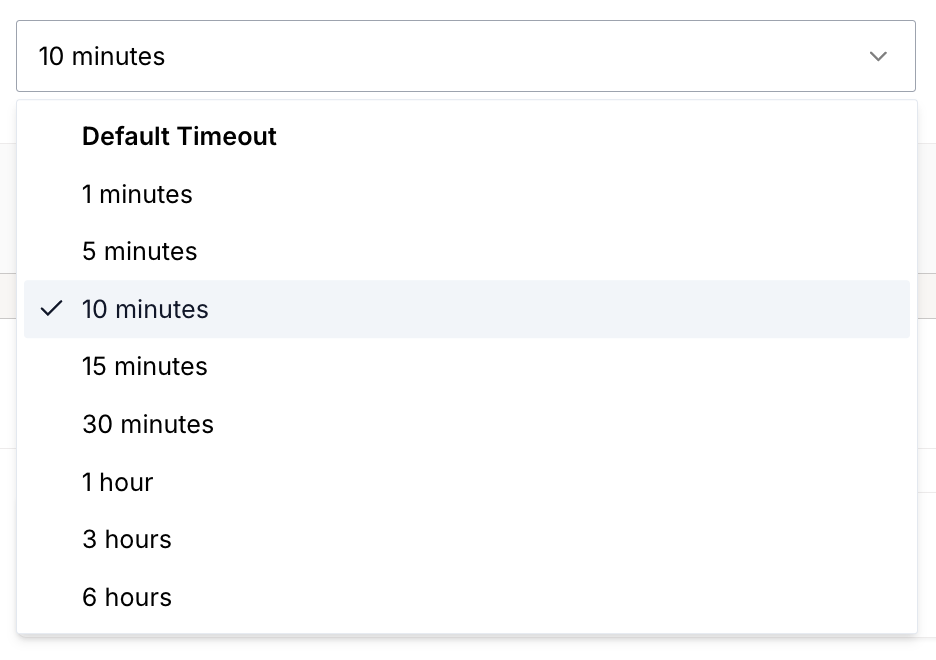
Browserbase has project-wide settings for session timeout. You can change the session timeout to a different value in the toggle.
Custom session timeout
You can also set a custom timeout for a created session through code. If you’d like to set a custom timeout that isn’t shown in the toggle, set it in thecreateSession function.
To set a custom timeout for your session, specify the timeout option in the API request body or
with the SDK.
- Node.js
- Python
The maximum duration of a session is 6 hours. Once a session times out, it can
no longer be used.
Related guides
Session timeouts
Extend session duration beyond the default
Keep alive
Survive disconnects and reconnect to sessions
Session inspector
Watch your session in real time and debug issues after the session has ended
Browserbase Functions
Deploy browser agents with automatic session management