Documentation Index
Fetch the complete documentation index at: https://docs.browserbase.com/llms.txt
Use this file to discover all available pages before exploring further.
Get up and running with data extraction in under 5 minutes.
Setup
Install packages:
pip install browserbase playwright agno
Set environment variables:
export BROWSERBASE_API_KEY=your_api_key_here
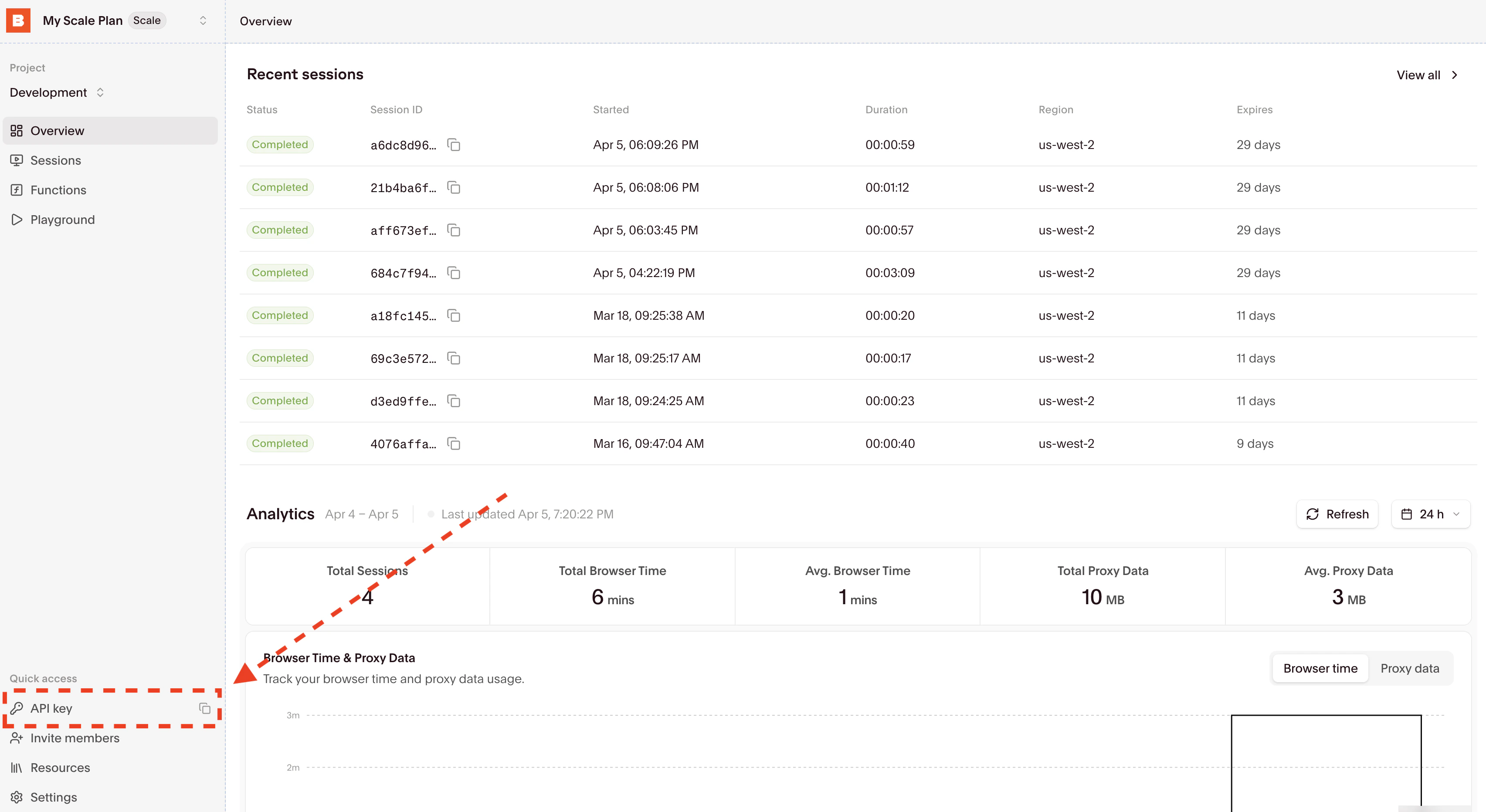
To get env variables, go over the Dashboard’s Settings tab:
Then copy your API Key directly from the input and set the BROWSERBASE_API_KEY environment variable.
Basic example
from agno.agent import Agent
from agno.tools.browserbase import BrowserbaseTools
# Create extraction agent
agent = Agent(
name="Data Extractor",
tools=[BrowserbaseTools()],
instructions=[
"Extract content clearly and format nicely",
"Always close sessions when done"
],
markdown=True,
)
# Extract quotes
response = agent.run("""
Go to https://quotes.toscrape.com and:
1. Get the first 3 quotes with authors
2. Navigate to page 2
3. Get 2 more quotes from page 2
""")
print(response.content)
Essential functions
| Function | Purpose | Usage |
|---|
navigate_to | Go to URL | ”Navigate to https://example.com” |
get_page_content | Extract HTML | ”Get the page content” |
screenshot | Take screenshot | ”Take screenshot, save as ‘page.png‘“ |
close_session | End session | ”Close the current session” |